MyLock Lite vs MyLock Cloud: Which One Do You Actually Need?
An honest decision framework for choosing between MyLock Lite and MyLock Cloud. No marketing — just the operational questions that determine which platform fits your deployment.
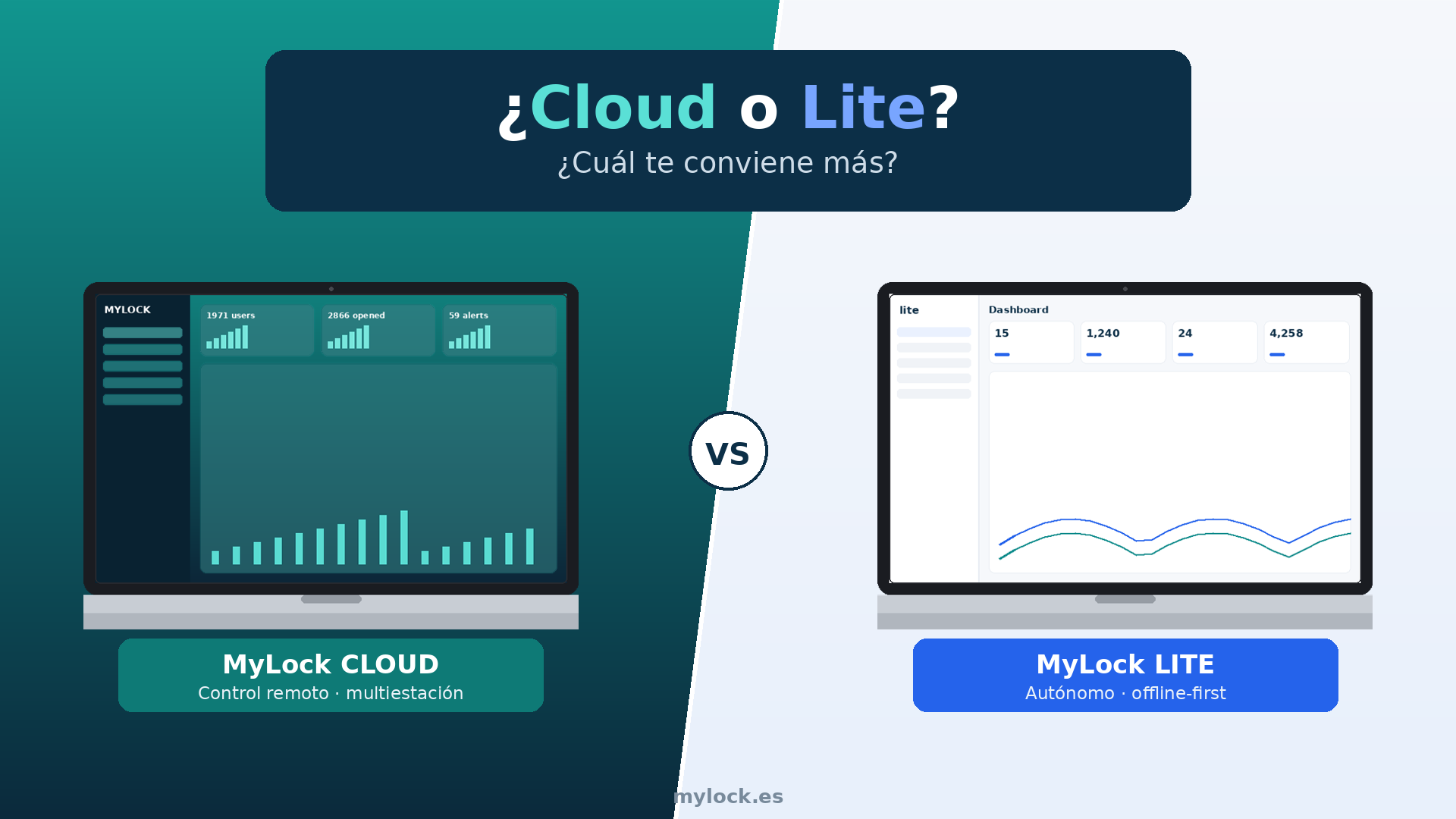
We sell two locker-management platforms: MyLock Lite and MyLock Cloud. Almost every prospect asks the same question on the first call: which one do I need? Most of the time, the right answer comes from four or five operational questions, not from a feature comparison.
This is an honest framework. We are not trying to push everyone to Cloud — about a third of the deployments we ship are on Lite, and most of those have no business being anywhere else.
The 30-second answer
| If your deployment is… | Pick | |---|---| | Single site, no internet dependency wanted, no monthly fees | Lite | | Multi-site, remote management, real-time monitoring, integrations | Cloud | | Single site but you need API integration with HR / payments | Cloud | | Single site, simple flow, you want hardware that works for years with no software bill | Lite |
If that table answered your question, you can stop reading. The rest of this post is for the people in the middle of the table.
What MyLock Lite is
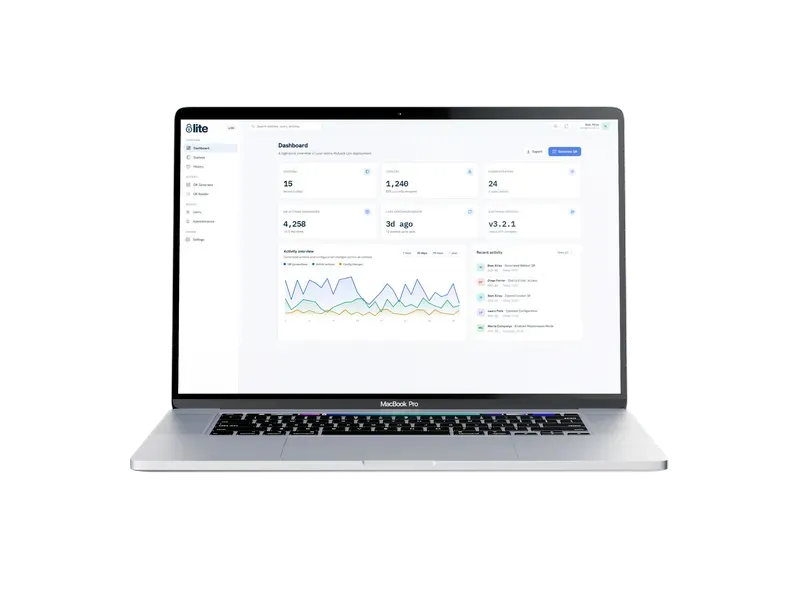
Lite is a self-contained smart-locker management system that runs on a touchscreen terminal at the locker bank. Authentication, user management, QR code generation, locker assignment, audit history — all of it lives on the terminal. No cloud account required. No internet required. No monthly subscription.
The capabilities Lite gives you:
- Touchscreen UI on the locker terminal itself
- QR code, PIN, and card authentication
- User management directly through the terminal or via a desktop tool
- Public mode: anyone can claim a locker with a PIN; no pre-registered user list needed
- Issued QR credentials can be sent to users by email, WhatsApp, or SMS — that part does need a connection at issuance time, but day-to-day locker operation does not
- Manual emergency unlock built in for power-out scenarios
- Operates without batteries; uses mains power with a UPS option
The trade-off is that everything that happens, happens on the terminal. There is no remote dashboard. Audit logs live on the device. You can pull them, but you cannot watch live activity from headquarters.
What MyLock Cloud is
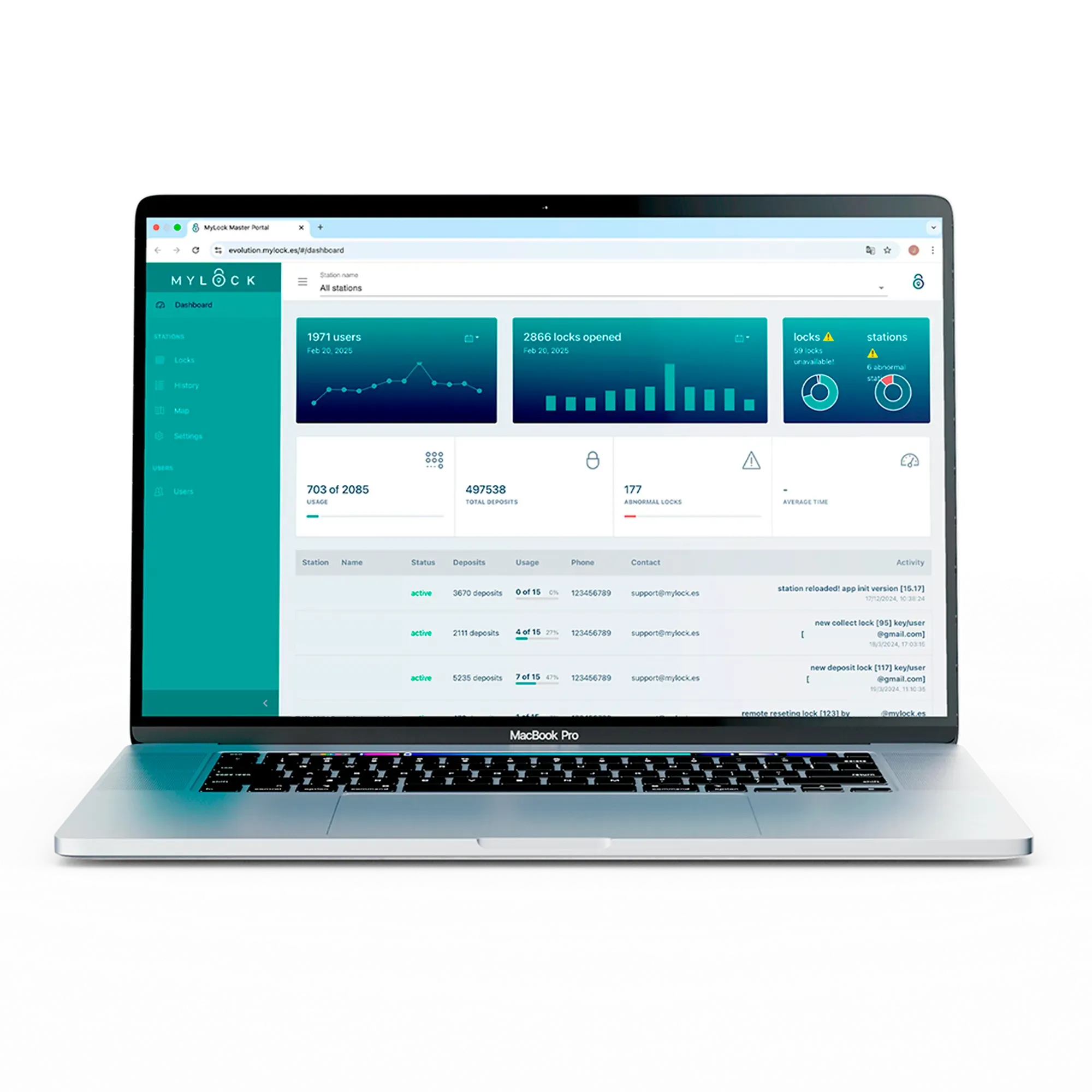
Cloud is everything Lite does, plus a hosted management plane that gives you the things you cannot get from a self-contained terminal:
- Real-time monitoring of every locker on every site from a web dashboard. Live status, live alerts, live usage feed
- Remote operations: open, lock, or restart any device from the dashboard. Useful when a member of staff needs intervention and the operator is not on-site
- Multi-site management: every locker bank you operate, every city, is in the same portal
- Filtered historical logs: pull access history across any time window, any user, any locker
- API integrations: HR systems, payment processors, custom internal tools. The pattern we describe in our Bucharest case study and Riga case study is API-driven Cloud
- Conditional rule editing without redeployment: change expiration windows, cleaning windows, access permissions from the portal in real time
- Specialist remote support: our team can see what is happening on your fleet and help when something needs attention
Cloud is what you pay a subscription for, and the subscription is what funds the people who keep it running, support you when things go sideways, and ship features as we learn from the fleet.
The decision questions, in order
These are the questions we walk through with prospects who are not sure. Answer them top to bottom and the right product usually picks itself.
1. How many sites do you manage?
One site → start with Lite as the default, only move to Cloud if questions 2-5 tip you over.
More than one site → Cloud is almost always the right answer. Trying to operate two or more locker installations from two or more disconnected terminals adds operational overhead that outweighs the subscription cost within months.
2. Does the locker lifecycle need to be driven by another system?
If new users / new lockers / locker expirations are events that should fire from your HR system, your booking platform, or any other internal tool — you need an API. That means Cloud.
If users walk up, claim a locker, use it, release it, and the operator is fine with that being a self-contained flow — Lite is enough.
3. Will any of your operators need to manage lockers from off-site?
If yes (multi-shift admin teams, central facilities team that covers several locations, remote troubleshooting) — Cloud.
If everything is handled in the building by people who are physically in the building — Lite.
4. What is the cost of network downtime to you?
Lite by design does not depend on the network for daily operation. Lockers open, authenticate, and audit even if the building loses internet. Cloud also keeps working during short outages thanks to the UPS and on-device buffering, but it is genuinely a cloud service — extended outages affect what you can see from the dashboard.
If your stakeholders need to hear "this works even if the internet is down" as part of the procurement story, Lite makes that conversation easier. If they only care about the operator experience, the answer is the same either way for short outages.
5. Do you need to run a public-facing locker service?
Public-facing — anyone walks up, pays, gets a locker, leaves — is its own product category. If that is what you are building, you almost certainly want our WhatsApp-driven product LockMe rather than Lite or Cloud directly.
For a single-site, no-payment public-mode flow (a coworking community room, a school changing area), Lite covers it. For a public-facing, paid, multi-site service with branding, automated booking, customer support, the full LockMe stack is the right call.
Two things people often get wrong
"Cloud has more features, so it is the better choice." Cloud has more features because some deployments need them. A single-site office with 60 lockers and a steady staff list does not need any of those features. Paying for Cloud in that scenario is paying for capability you will not use; the right answer is Lite, often for ten years.
"Lite is the budget option." Lite is not a stripped-down Cloud. It is a different product designed for a different deployment shape: self-contained, offline-capable, no recurring software cost. People who picked Lite for the right reasons rarely upgrade to Cloud; people who picked Lite for the wrong reasons usually do.
How to actually decide
If you have walked through the questions above and you are still on the fence, the cheapest path forward is a 15-minute scoping call with us. We will ask the same questions, look at your floor plan and staff count, and tell you which product fits. We sell both, so there is no thumb on the scale.
Book that call here, or read the product pages directly — MyLock Lite, MyLock Cloud, LockMe — to dig into the technical specs.